
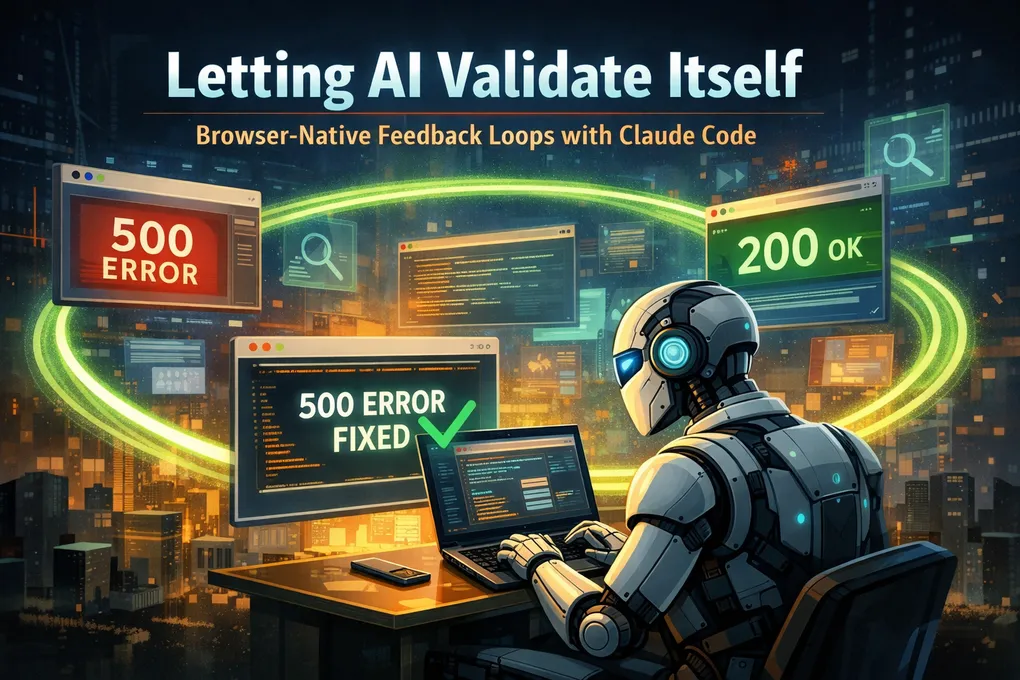
Letting AI Validate Itself — Browser-Native Feedback Loops With Claude Code
We all have been there, you know the pain. Hallucinations? Sure, But the real day-to-day problems with trying to integrate LLMs in applictaions show a variety of other hurdles to overcome:
- Structured output matching your expectations
- Reliable tool-calling
- Consistency across runs
- Model overconfidence in results
- And most of all: self-verification
The Missing Ingredient: A Feedback Loop In the Real Environment
At their core this AI agents are powred by Machine learning models with a LLM arhcitecue. They still operate on next to prediction to provide you with “working code” but don’t have proper means to exercise it.
You end up doing the classic dance:
- Ask the LLM to change something.
- Run it manually.
- Watch it break.
- Explain the failure back to the LLM.
- Repeat. Repeat. Repeat.
After a while, you realize you — the human — are the feedback loop.
That’s where browser-native agent tooling changes the equation.
Browser Use MCP Saga
Over the last couple of years, I’ve been hopping between progressively more capable browser integration layers for LLMs.
🧪 1. browsermcp.io
- A great first taste.
- Let the model click around a live browser.
- Screenshots provide feedback to the agent loop.
🧰 2. Chrome DevTools MCP
https://github.com/ChromeDevTools/chrome-devtools-mcp
- Big upgrade.
- Real Chrome APIs.
- Permission surfaces integrated into DevTools.
- Not reliable results.
- But mainly it felt that some support on the coding agent side was still missing.
🚀 3. Claude Code Chrome Extension
https://chromewebstore.google.com/publisher/anthropic/u308d63ea0533efcf7ba778ad42da7390
This is where things clicked.
From the Chrome side: it’s more mature product
- Visual indicators when Claude is active
- Fine-grained permission prompts per action
- Smooth UI and unobtrusive ownership of the browser
But the real difference is on the Claude Code side:
- Better reasoning with browser state
- Fewer incorrect assumptions about what is (or isn’t) on screen
- Ability to inspect, experiment, and verify without waiting for me to play messenger
It finally feels like the model is in the loop instead of guessing about the loop.
Setup Notes
After installing the Chrome extension:
claude --chromeA key caveat:
You need a paid Anthropic plan.
Pay-as-you-go API key isn’t enough, the browser session requires authentication.
A Real-World Example:
I was working a older personal project, an electron app, that was created before AI coding existed. I wanted to see what it would be like if I migrated this to a web app. After doing spec driven approach to the migration, the code produced was still not working in many places.
Here’s the exact Ralph Loop I used to clean up a self-induced forest fire of a broken project:
/ralph-loop:ralph-loop "Fix all 500 errors on the webpage.
1. Navigate to the page in the browser.
2. Trigger UI features and interactions.
3. Diagnose and resolve every issue found.
4. Repeat until no 500s remain.
Output: <promise>COMPLETE</promise>" --max-iterations 10 --completion-promise "COMPLETE"
Claude spent 19 minutes exploring the site, triggering flows, calling tools, and patching issues.
And the result?
Every failing endpoint flipped from 500s to 200s.
Front-end mismatches corrected.
API assumptions fixed.
And zero back-and-forth message fatigue.
The model discovered errors, verified fixes, and looped without me needing to interpret crash logs or run the browser manually.
That’s the milestone.
Closing Thoughts
Hallucinations aren’t “solved,” and models aren’t magic.
But the arrival of browser-aware loops + Claude Code tooling nudges us into a world where LLMs can:
- Try something
- See the consequences
- Adjust
- Repeat
- Finish the work
instead of asking us to drive.
The feedback loop, that actual works, is the game changer.
And now, finally, the model can run it without you being the middle layer.